Computing Finder™
Your source for all the latest news, reviews and guides to computing.



Desktops & Tablets
 Foxtel Now
35% off for 12 months: $70.20
Get 35% off for 12 months for sports, drama, and entertainment of Foxtel bundles from $69 per month. T&Cs apply.
 The Good Guys
Up to $200 off electronics and home appliances
Save up to $200 on select electronics and home appliances on sale at The Good Guys. Limited time offer and while stocks last. T&Cs, exclusions apply.
 Grow My Money
Up to 1.75% cashback with The Good Guys through Grow My Money
Join Finder’s Cashback today! New members earn double cashback for the first 7 days. T&Cs apply.
 Kogan
Kogan
Up to 65% off sale at Kogan
Score massive savings with Kogan’s up to 65% off sale. Shop top tech, home essentials, and more at unbeatable prices. Hurry, these deals won’t last long, so grab your favourites today. Valid for a limited time only. Exclusions, T&Cs apply.
 HP
HP
Up to 50% off HP laptops, desktops, and more
Don't miss out on savings of up to 50% on laptops, desktops, accessories, and more at HP. Enjoy discounts across the Pavilion, Envy, and OMEN lineups, covering everything from professional workstations to high-end gaming rigs and home office accessories. T&Cs apply.
 Planet VPN
Save up to 80% 3 years + 1 year promotion
Discounts applied at checkout. Valid for a limited time only. Exclusions, T&Cs apply.
 GoDaddy
Up to 55% off GoDaddy Website Builder plans
Get up to 55% off GoDaddy Website Builder with a 1-year term. T&Cs apply.
 Lenovo
Up to 40% off top Lenovo PCs + Earn Rewards
Save up to 40% on top Lenovo PCs and take your productivity to the next level with premium performance from Lenovo. Plus, earn rewards with your purchase and enjoy even more value on cutting-edge technology for a limited time. T&Cs apply.
 Dell
Dell
Up to 1% cashback through Grow My Money
Join Finder’s Cashback today! New members earn double cashback for the first 7 days. T&Cs apply.
Planet VPN
FREE Planet VPN
Enjoy FREE VPN with no limits on bandwidth, traffic or time for any OS and device. T&Cs apply.
 Squarespace
FREE 14-day website trial
Everything you need to grow online. Simple tools for your big ideas with a FREE 14-day website trial today at Squarespace. T&Cs apply.
 Norton
Up to $80 off Norton 360 and Antivirus Plus
Save up to $80 on Antivirus Plus, Norton 360 Standard, Deluxe and Premium. Discounts are applied at checkout. Exclusions, and T&Cs apply.
HP
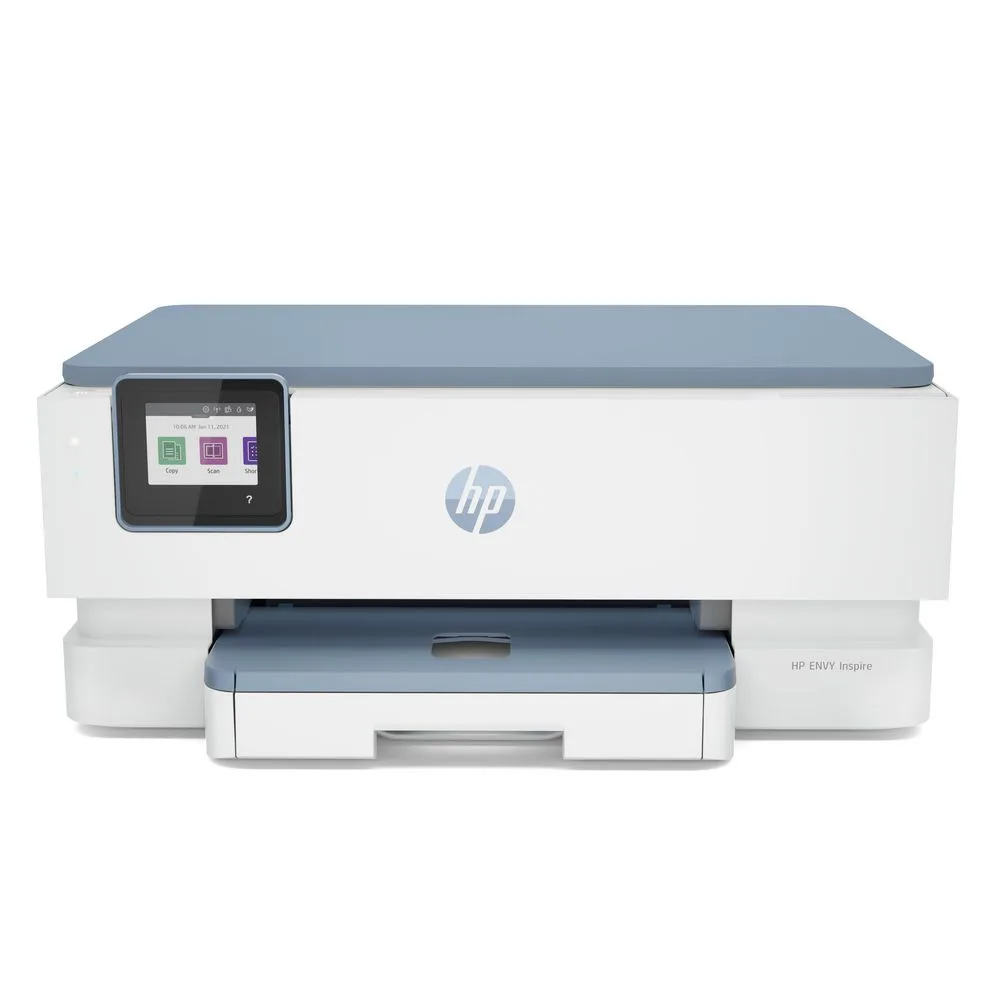
Up to 40% off selected printers
Buy any PC and enjoy 40% off selected printers. Valid for a limited time only. Exclusions, T&Cs apply.
 NordVPN
73% off NordVPN's plan + FREE Threat Protection
Buy NordVPN’s deal with a 73% discount and get Threat Protection for FREE. T&Cs apply.
Lenovo
Up to 38% off: Lenovo Yoga and Ideapad Sale
Get up to 38% off Lenovo Yoga and IdeaPad laptops. Choose from flexible 2-in-1s to everyday notebooks. Shop now before stocks run out! T&Cs apply.
Lenovo
Up to 28% off Lenovo desktops and all-in-ones
Enjoy up to 28% off Lenovo desktops and all-in-ones, designed for performance, productivity, and modern workspaces at Lenovo. Upgrade your home or office setup with reliable, stylish systems at an unbeatable value for a limited time. T&Cs apply.
 PrivadoVPN
77% off Unlimited VPN
Enjoy all-in-one privacy and security for only $2.50/month. Valid for a limited time only. T&Cs apply.
 Creality
Up to 50% off combo printers
Buy combo 3D printers at Creality and enjoy up to 50% discount on selected products. While stocks last. T&Cs apply.
 Private Internet Access
FREE 3-month access with 3-year plan
Get FREE 3 months and enjoy 83% discount when you sign up for a 3-year plan at Private Internet Access. T&Cs apply.
 Google Workspace
Try it for FREE
Try Google Workspace FREE for 14 days. T&Cs apply.
 Amazon
Up to $215 off desktop & PC
Enjoy great discount on PCs & desktop when you get them at Amazon. Hurry before stocks run out. T&Cs apply.
Amazon
Chromebooks from $235
Shop for Chromebooks from ASUS, Acer, Lenovo, HP, Dell and more at Amazon. While stocks last. T&Cs apply.
Lenovo
Up to 42% on selected servers and storage at Lenovo
Save big with up to 42% off selected servers and storage at Lenovo, built to power everything from growing businesses to enterprise data centers. Upgrade your infrastructure with reliable, high-performance solutions at a fraction of the cost for a limited time. T&Cs apply.
Lenovo
Up to 33% off Lenovo monitors
Get up to 33% off Lenovo monitors and elevate your workspace with stunning visuals and reliable performance from Lenovo. Whether for work, gaming, or creative projects, enjoy premium display quality at an exceptional value for a limited time. T&Cs apply.
Lenovo
Up to 37% off Lenovo workstations
Save up to 37% on powerful Lenovo workstations built to handle demanding workloads with speed and precision at Lenovo. Boost productivity with enterprise-grade performance and reliability, now available at an exceptional limited-time value. T&Cs apply.
 eBay Australia
Up to 72% off tech at eBay
Get up to 72% off eBay's extensive range of electronics, including Google Pixel devices.
 Ozdingo Shopping
10% off storewide
Shop and enjoy 10% off storewide at Ozdingo while stocks last. T&Cs apply.
Lenovo
Up to 76% off select Lenovo accessories
Enjoy up to 76% off select Lenovo accessories and upgrade your setup for less at Lenovo. From keyboards and docks to headsets and more, enhance your productivity and comfort with incredible limited-time savings. T&Cs apply.
Lenovo
Up to 36% off Lenovo Legion & gaming PCs
Save up to 36% off Lenovo Legion and gaming PCs. Enjoy discounts on Legion lineup including desktop towers, laptops, and accessories. Valid for a limited time only. T&Cs apply.
 Grow My Money
Earn up to 1% cashback with Apple through Grow My Money
Join Finder’s Cashback today! New members earn double cashback for the first 7 days. T&Cs apply.
 Robinsons
Up to 75% off beauty, fashion and more
Enjoy huge savings on beauty, fashion, home, electronics and more at Robinsons. Hurry while stocks last. T&Cs apply.
Ozdingo Shopping
$25 off when you spend $200
Get $25 off when you spend $200 at Ozdingo Shopping. T&Cs apply.
The Good Guys
Laptop deals: as low as $1124 on Acer, ASUS, Lenovo and more
Shop the best clearance bargains on end-of-line laptops and tablets in Australia at The Good Guys. T&Cs apply.
Norton
$80 Off Norton 360 Deluxe
Get Norton 360 Deluxe at $69.99 for the first year. Limited time offer. T&Cs apply
HP
Up to 45% off refurbished laptops and desktops
Shop for refurbished laptops and desktops and enjoy up to 45% discount at Hewlett-Packard. T&Cs apply.
 Payday Deals
Up to 70% off deals
Enjoy up to 70% off deals. T&Cs apply.
 Kings Warehouse
Get up to 70% off bestselling items
Shop now and enjoy 70% off bestselling items. Exclusions, T&Cs apply.
 Kobo
Kobo
FREE shipping on any eReaders and accessories
Valid for a limited time only. While stocks last. T&Cs apply.
Ends
 Startselect
Gift cards as low as $15
Shop gift cards for Roblox, Xbox, Google Play, Riot Games and more at Startselect. T&Cs apply.


Finding the perfect computer involves balancing performance, portability and price. To navigate the jargon, consider these essential factors:
This determines your software ecosystem. Windows is the most versatile and best for gaming. macOS is preferred by creatives for its stability and integration with iPhones. ChromeOS is a budget-friendly, web-based option ideal for students who mostly use Google Docs and browsers.
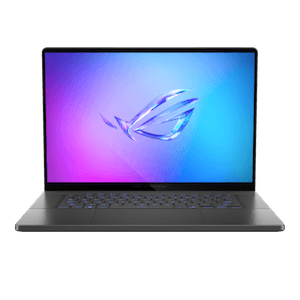
Think about how you work. A laptop offers portability, while a desktop generally offers more power for your dollar and is easier to upgrade. 2-in-1s (convertibles) offer the flexibility of a tablet but often trade off some battery life or processing power.
The CPU is the brain of the computer. For basic web browsing, an Intel Core i3 or Ryzen 3 is sufficient. For most users, an Intel Core i5 or AMD Ryzen 5 (or Apple M-series) is the "sweet spot" for performance. Only look at i7/i9 if you do heavy video editing or gaming.
RAM allows you to multitask. If you run out, your computer slows to a crawl. 8GB is the absolute minimum for modern computing. If you tend to have dozens of browser tabs open or use Photoshop, aim for 16GB to future-proof your machine.
Never compromise here: ensure your computer has a Solid State Drive (SSD) rather than a traditional Hard Disk Drive (HDD). SSDs make your computer boot up and open apps nearly instantly. Aim for at least 256GB of space, though 512GB is safer if you store photos locally.
Most users are fine with "integrated graphics" (built into the CPU). However, if you plan to play modern 3D games, edit 4K video or do 3D rendering, you will need a dedicated graphics card (like an NVIDIA RTX series), which will significantly increase the price.
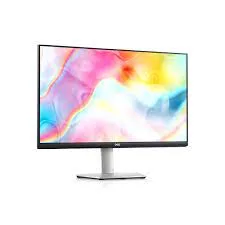
You'll be staring at it all day, so don't ignore the display. Look for an IPS panel for better viewing angles and colour accuracy. If you are buying a monitor or laptop for gaming, check for a "high refresh rate" (120Hz or 144Hz) for smoother motion.
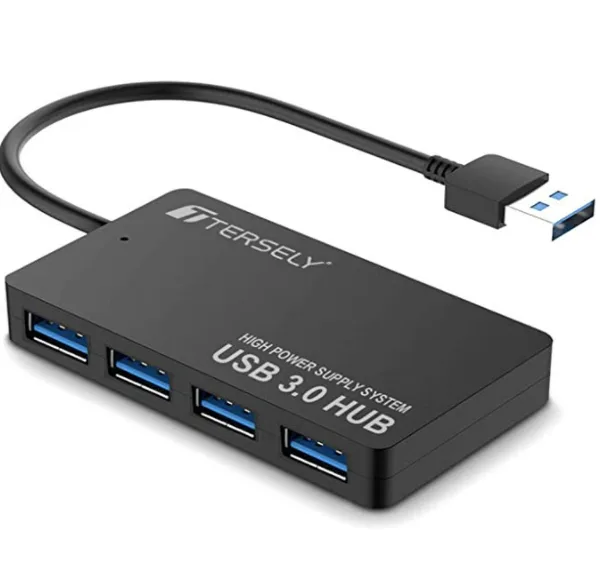
The trend is toward fewer ports, so check what you need. Does the laptop have an HDMI port for your monitor, or will you need a dongle? Does it use USB-C for charging? If you transfer large files, look for "Thunderbolt" support for faster speeds.
Ergonomics matter. A cramped laptop keyboard or a tiny trackpad can ruin a good machine. If you work from home, budget extra for a separate mechanical keyboard and an ergonomic mouse to prevent repetitive strain injury (RSI).
Computers contain hazardous materials and personal data, so they cannot be thrown in the curbside bin.
Crucial first step: Back up your data, then "wipe" the drive. A simple file delete isn't enough; use a "factory reset" function or dedicated software to securely overwrite your data so it cannot be recovered.
If the computer is working and less than five years old, it likely has resale value. You can sell it on eBay, Gumtree, or Facebook Marketplace. Alternatively, organisations like The Smith Family or GIVIT often accept working laptops to support students in need.
If it is broken or obsolete, you must recycle it responsibly. Officeworks stores across Australia generally accept e-waste (including old laptops, cables, and monitors) for free. You can also check Recycling Near You (Planet Ark) to find your local council's e-waste drop-off dates.